
How to Test an IPTV Free Trial Before You Pay
Published July 16, 2026 · 8 min read
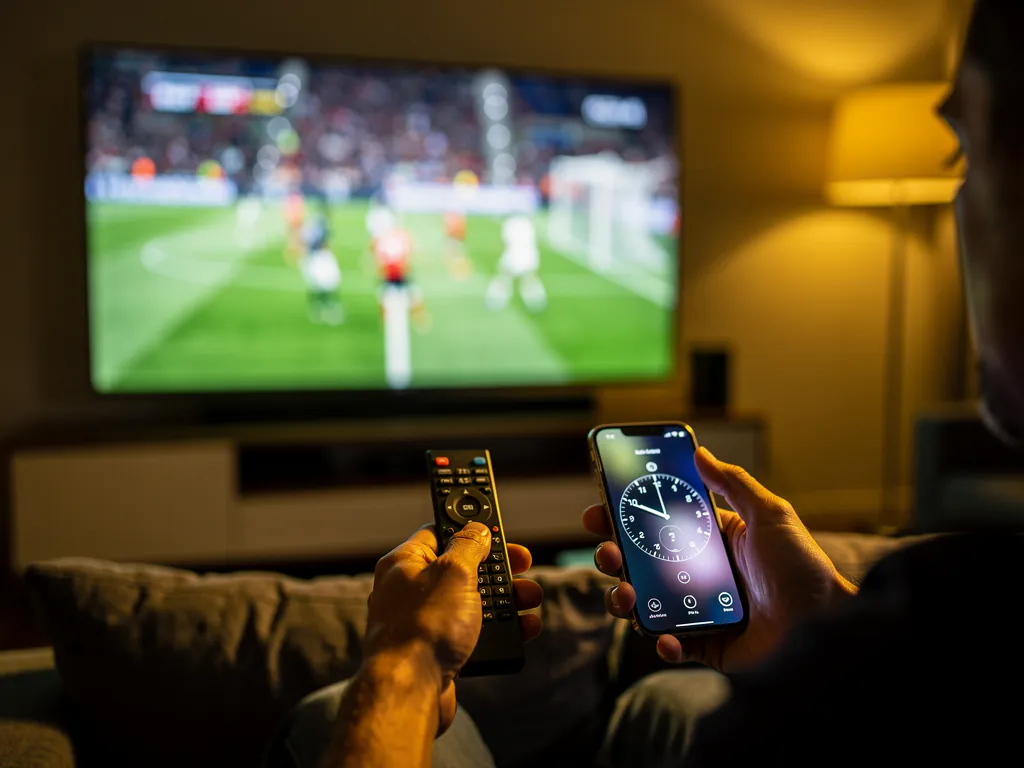
To test an IPTV free trial before you pay, start the trial on the device you actually watch on, wait for your own peak hour on a busy evening, open your ten to fifteen must-have channels, and then sit on one live event for a full twenty minutes without touching anything. If it holds through that, it is worth paying for. If it stutters, you walk away having spent nothing. Everything else is noise.
I learned to test this way the hard way. For years I judged a service by how it looked in the first hour, signed up for a month, and watched it fall apart by the second week. The trial is your one chance to catch that collapse before it costs you money, and most people waste it by browsing a giant channel list at noon when nothing is under load. This guide is the exact routine I run now, and it takes about twenty minutes of real watching.
Why does a free trial only tell the truth at peak hour?
Because peak load is the only condition that breaks a weak service, and a quiet afternoon hides it completely. A cheap or oversold server looks flawless at 2pm when almost nobody is streaming. Then Saturday night lands, a big match kicks off, everyone in your region logs in at the same second, and the same server that felt perfect starts buffering and dropping channels. One person who works in supply chains explained it in a way that stuck with me: most systems do not fail because of demand, they fail because they were never built for the peak.
So testing at a quiet hour is like judging a restaurant kitchen when you are the only table. Of course it is fast. The real question is what happens when every seat is full. If you run your trial during a busy evening, ideally while a popular live event is on, you are testing the exact moment the service has to survive to be worth your money. Test it any other time and you are just admiring the menu.
What should you do in the first five minutes of the trial?
Get it running on the device you truly watch on, not a spare. A trial that works on your phone tells you almost nothing about how it will behave on the Firestick in your living room, because different apps and different network paths behave differently under load. Start your free 24-hour trial, then follow the setup guide to load it on your main screen, whether that is a Fire TV Stick, an Android TV box, a smart TV, or whatever you sit in front of most nights.
No card is required for the trial, so the only thing you are spending in these first minutes is time. Do not get distracted by the size of the library yet. Confirm it installs cleanly, logs in, and plays a channel at all. Once you have a picture on your main screen, you are ready for the part that actually decides everything, and that part is not about scrolling.
The 20-minute test: what exactly do you watch?
You watch the handful of channels you care about, under real load, and you time them. Skip the temptation to admire the full list. A five-figure channel count is mostly duplicates, dead links, and feeds that will not load, so it proves nothing. What proves something is whether the specific channels you would open on a normal night behave. Here is the routine, in order.
- Wait for your own peak hour. Come back on a busy evening, ideally when a live match or a popular event is on. Do not judge it at noon.
- Open your ten to fifteen must-have channels one after another. Time how fast each one loads and note any that stall, buffer on start, or refuse to play at all.
- Pick one live event and sit on it for a solid twenty minutes without touching the remote. Buffering that only appears after several minutes is the tell that separates a strong line from an oversold one.
- Switch channels a few times during the event to test how quickly it recovers. A good service reloads a new feed in a second or two, not ten.
- Check the on-demand library and the tonight schedule so you know what is genuinely available to watch, not just what the sales page advertises.
If it sails through that on your connection, at your peak hour, on your device, then it is worth it for you, and you will know it in a way no review can prove on your behalf. That twenty minutes of live watching is worth more than every star rating on the internet combined, because it is the only test run on your exact conditions.
What are the pass and fail signals to watch for?
Judge the trial on failure patterns, not the feature list. A service earns a pass by staying boring under load and fails by stuttering exactly when it matters. Use this quick reference while you watch.
| Pass signal (keep testing) | Fail signal (walk away) |
|---|---|
| Channels load in under two seconds | Long spinning wheel before every feed |
| A live event runs 20 minutes clean | Buffering creeps in after a few minutes |
| Channel switches recover in a second | Feeds freeze at the worst moment |
| Your must-have channels all work | Half your list is dead or duplicated |
What if the stream buffers during your test?
Rule out your own setup before you blame the service, because buffering has two very different causes and they need different fixes. The first is the provider running an oversold server that cannot handle the evening rush, which is a genuine fail. The second is a problem on your side: unstable Wi-Fi with jitter or packet loss, an overloaded device with a full app cache, or your own internet provider throttling heavy streaming traffic at peak hours.
Before you write a service off, spend two minutes ruling out the your-side causes. Clear the app cache and restart the device, switch from Wi-Fi to a wired ethernet connection or move to the 5GHz band, and close background apps. If a VPN is available, try one to see whether your provider is throttling the stream at night. If the buffering vanishes after those steps, the service was fine and your network was the bottleneck. If it stays even on a clean, wired connection at peak hour, that is the service failing, and that is your signal to walk.
How does this protect you from scams and vanished sellers?
Testing first is the same defense that filters out both unreliable providers and outright scams. The IPTV space is full of fully loaded lifetime boxes and one-time sellers who take your money and disappear, and the rule that protects you is simple: never pay upfront for something you have not watched work at peak hour. Be especially wary of anyone selling a lifetime deal, because servers cost money to run every single month, and a one-time price cannot cover ongoing infrastructure. A real service charges an ongoing subscription because it is paying for ongoing capacity.
It also pays to distrust comparison sites that rank providers by who paid them rather than by who actually tested the streams. The safest recommendation is always the one you generate yourself with a trial. That is the whole point of this method. You stop trusting verdicts, including mine, and start trusting the twenty minutes you spend watching a live event on your own screen.
When should you commit and pay?
Only after the trial has passed your peak-hour test, and even then, buy in the right order. The smart sequence is to start on the trial or a short plan, confirm it survives your busy evenings, and only then move to a longer plan for the lower monthly rate. That order protects you completely, because you never lock in a long stretch of a service you have not watched hold up with your own eyes.
If Layerseven TV passes your test, you can see the full plan breakdown on the pricing page, where the per-month cost drops on the longer options, or reach the team directly through the order page. If you want the deeper background on why peak-hour stability beats the channel count every time, the full Layerseven TV review walks through it. Either way, the move now is the same: start your free 24-hour trial, wait for a busy evening, and let the service prove itself before you spend a cent.