
Why does your IPTV stop working after a week?
Published July 19, 2026 · 8 min read
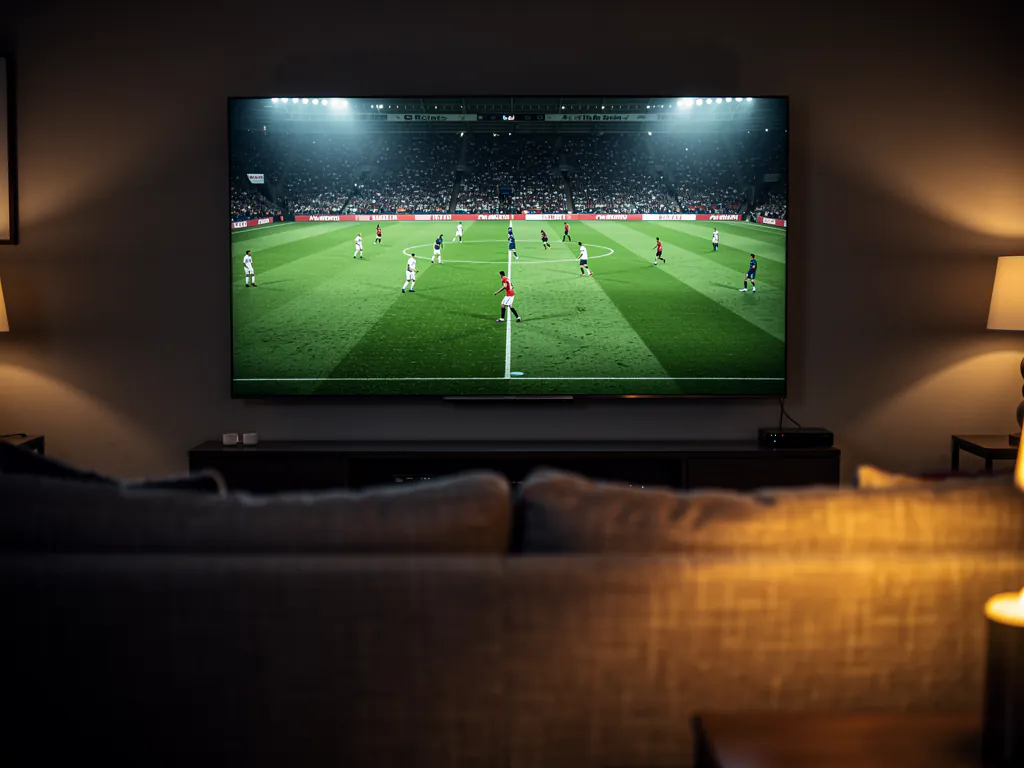
Your IPTV stops working after a week because the service was never built for peak load, and peak load is the only thing that exposes it. The first week feels flawless because the server is nearly empty. Then more customers pile on, Saturday night arrives, a big match kicks off, and everyone logs in at the same second. A server that was oversold to begin with cannot serve that many streams at once, so your evenings start buffering, channels drop, and sports freeze at the worst moment. The service did not change. The load did.
I have lived this exact cycle more times than I want to admit. A new provider, a perfect first week, then the slow collapse into buffering and dropped channels right when I actually wanted to watch something. If you are searching for why this happens, you are probably in the middle of it right now, and you want to know whether it is fixable or whether you just got sold another dud. This is the breakdown I wish I had read years ago.
Why does IPTV work great for a week, then fall apart?
Because cheap providers oversell their servers, and an empty server hides every flaw. When you sign up in the first week or two, only a fraction of the customer base is streaming at any given moment. The line feels fast, channels snap open, live events hold steady. It feels like you finally found the good one. That stretch is the honeymoon, and it is genuine, but it tells you almost nothing about how the service behaves under pressure.
Pressure arrives the way it always does: a popular event, prime time, and a few thousand extra households all pressing play within the same minute. Someone who works in supply chains put it better than any spec sheet ever could. Most systems do not fail because of demand, they fail because they were never built for the peak. Fine at 2am. Then Saturday night comes, a big match is on, everyone logs in, and the same server that felt instant at noon starts buffering, freezing, and dropping feeds. Nothing about the service broke. The number of people leaning on it finally crossed the line it could hold.
That is why the drop feels so personal and so sudden. Your setup did not change. Your internet did not change. The only thing that moved was the crowd sharing your server, and the provider had sold more seats than the hardware could carry at once. If you want the deeper mechanics of that peak-hour collapse, I go into the server side of it in the full Layerseven TV review, where I judge every provider by exactly this failure pattern.
Is it the service, or is it your internet connection?
This is the first question to settle, because the fix is completely different depending on the answer. Nighttime buffering has two common causes, and the symptom looks identical from your couch. The first is an oversold server that buckles when the evening rush hits. The second is your own internet provider throttling heavy streaming traffic at peak hours, which is a connection problem that even a strong line has to work around.
You can usually tell them apart in about ten minutes by watching when the trouble starts and stops.
| If it is the service (oversold server) | If it is your connection (ISP or Wi-Fi) |
|---|---|
| Starts at prime time, clears up after midnight | Same trouble on Netflix, YouTube, or a speed test at the same hour |
| Multiple channels freeze at once on the same night | Only the device on weak Wi-Fi stutters, the wired one holds |
| Happens on every device in the house simultaneously | Clears up the moment you move closer to the router or switch to 5 GHz |
| Nothing in your home network changed | Other apps buffer at the same time of night |
If other apps stall at the same hour and a speed test drops well below what you pay for, you are looking at throttling or a weak Wi-Fi link, and that is something you can fix on your end with a wired connection, the 5 GHz band, or a VPN that hides the stream from your provider. If everything else in your house streams fine and only the IPTV line folds at kickoff, the server is the culprit, and no amount of router restarting will save it.
What does the channel count have to do with it?
More than you would think, because the channel count is usually the lie that funds the oversold server. Everyone advertises 15,000 or 24,000 channels, but buyers who have been around long enough have learned to distrust the big number. A huge share of any giant list is duplicates, dead links, or channels that simply will not load. A provider can truthfully claim tens of thousands of channels while the handful you actually watch are the flaky ones.
Here is how the two connect. Selling a fantasy channel count lets a provider attract a flood of signups on cheap hardware. Cheap hardware means more customers crammed onto each server to keep the price low. More customers per server means the peak load breaks sooner. So the same marketing number that impressed you in week one is the reason the service folds in week three. When I stopped trusting the count and started judging by how my ten or fifteen must-have channels behaved under load, I stopped repeating this cycle.
How do you avoid buying a service that will fall apart?
You test it during peak hours before you pay, and you do it on the connection and the device you actually watch on. That is the only reliable filter, because no review, no comparison site, and no channel counter can tell you how a server behaves at your own Saturday-night rush. The good news is a proper trial costs nothing and takes about twenty minutes of actual watching.
- Start a 24-hour free trial and load it on the device you really use, whether that is a Firestick, an Android TV box, a phone, or a smart TV. The setup guide covers each one in a few minutes.
- Do not judge it at noon. Come back during your own peak hour, ideally when a live event is drawing a crowd.
- Open your ten to fifteen must-have channels one after another and time how fast each loads. Note anything that stalls or refuses to play.
- Sit on a single live event for a solid twenty minutes without touching anything. Buffering that only appears after a while is the tell that separates a strong line from an oversold one.
If you want the longer version of that test, I wrote the whole method in the free-trial testing guide. The short version is this: a service that sails through your worst-case hour on your own connection is the one worth keeping, and you will know it in a way no sales page can prove for you.
What about the lifetime boxes and vanished sellers?
The great-for-a-week story has an ugly cousin, and that is the seller who takes your money and disappears. The IPTV space is full of fully loaded lifetime boxes and one-time deals that vanish overnight, and the fear is completely justified. Servers cost money to run every single month. A lifetime price cannot cover ongoing infrastructure, which is why anyone selling one is either about to oversell into oblivion or about to close up and reopen under a new name.
The same filter catches both problems. Never pay upfront for something you have not tested, and treat any lifetime deal as a warning rather than a bargain. A real service charges an ongoing subscription because it is paying for ongoing infrastructure, and it hands you a trial because it has nothing to hide. That is also why I distrust the comparison sites that rank providers by who paid them rather than who actually tested the streams. The only recommendation I trust is the one I generate myself over a busy evening.
What I do differently now
I stopped chasing the cheapest sticker, because the cheapest services are usually the most oversold, and an oversold server is exactly the thing that breaks after a week. Now I buy the other way around. I start on a short plan or a trial, confirm the line survives my peak hours on my own devices, and only then do I move to a longer plan for the lower monthly rate. That order protects me completely. I never pay for months of a service I have not watched hold or break with my own eyes.
Layerseven TV is built around that exact idea, peak-hour stability on real working channels rather than a giant fake number, with a trial that lets you prove it before you commit. So do not take my word for it. Start your free 24-hour trial, load your must-have channels during a busy evening, and sit on a live event. If it holds, you have found a service you can lock in on the pricing page or grab directly through the order page. If it folds like the others, you have lost nothing and you have learned exactly what to test next time.